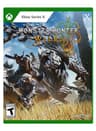
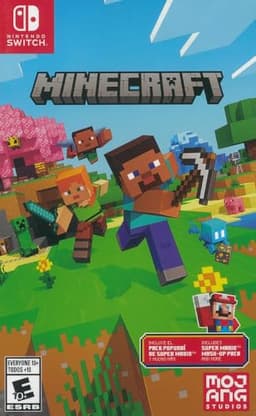
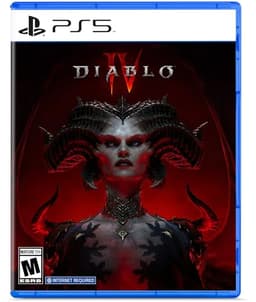
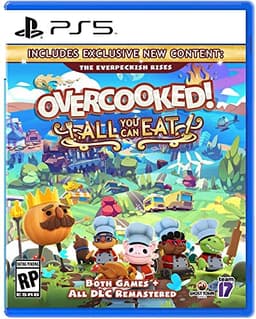
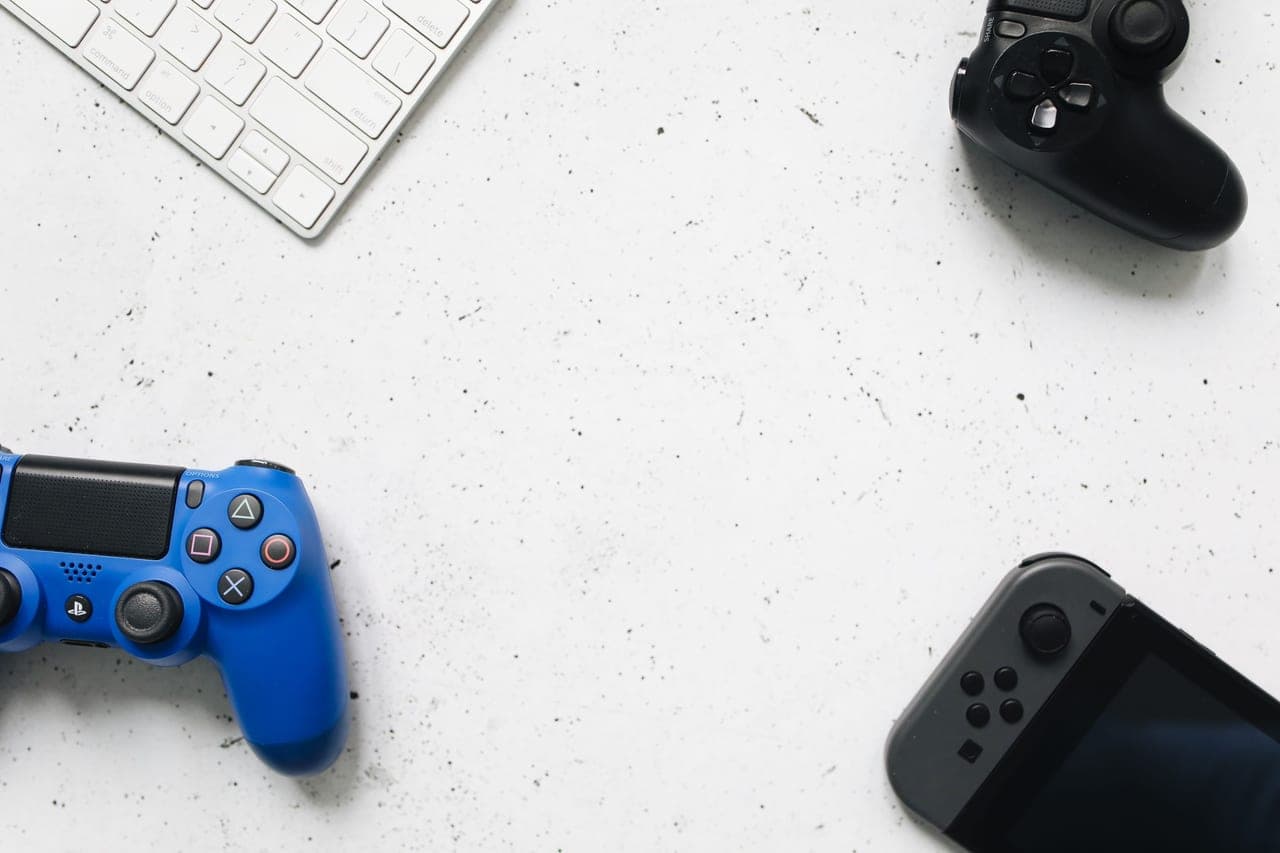
Different consoles, one party
Crossplay fails for a small number of specific reasons, and almost none of them are faults. Nine times out of ten a group cannot see each other because of one of these five things - work down the list in order and you will find it.
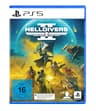
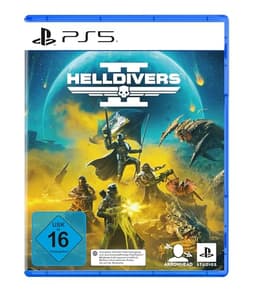
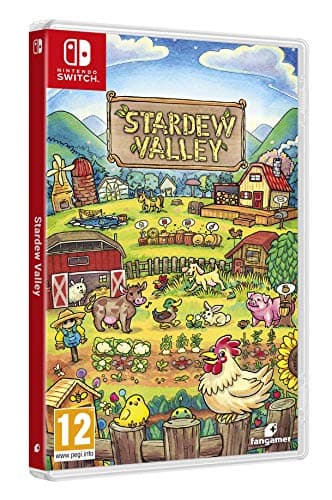
Before any of it, one honest check: is the game actually on both platforms, and does it actually crossplay? No setting adds a version that does not exist. Helldivers 2 has no Switch release. Mario Kart is Switch-only. Stardew Valley is same-platform even where it is installed on both. If that is your situation, stop here and pick a different game from the crossplay hub - the rest of this guide cannot help.
1. Turn crossplay on in the game
Most crossplay games ship with a toggle, usually under Settings, Options, Gameplay, or Account. It is often on by default, and it is often switched off by whoever set the console up for a younger player. Every person in the party needs it on, not just the host - one person with it off will silently never match with the rest of you.
2. Add each other in the game's own account system, not the console's
This is the big one, and it is the step most groups miss. Being PlayStation friends does not make you friends in a crossplay game. Each game runs its own network, and that is where the friend request has to go:
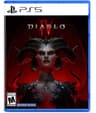
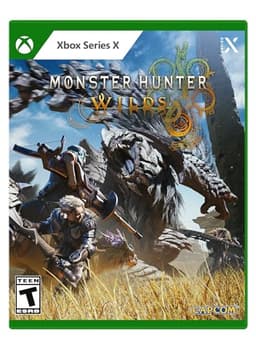
Epic Games account for Fortnite and Fall Guys. Microsoft account for Minecraft Bedrock. Battle.net for Diablo IV and Overwatch 2. Most other publishers - Team17, Capcom, Arrowhead - use either their own account or an in-game friend code. Everyone links their console to that account once, then adds each other there. Do this before you start a session rather than during one.
3. Check the subscription rule for each platform
PlayStation states it plainly: "For the majority of games that you have purchased on disc or downloaded from PlayStation Store, you need a PlayStation Plus membership plan to play online", and "most free to play games such as Fortnite, Apex Legends and Call of Duty Warzone do not require a membership".
Nintendo's wording is broader - "Any Nintendo Switch Online membership (sold separately) and Nintendo Account required for online features" - and free-to-play titles have generally been the exception there too, so check the individual game's listing. Xbox follows the same pattern of free-to-play multiplayer being available without a subscription. The practical upshot: if one friend has no subscription, play a free-to-play crossplay game tonight and sort the membership out later. Whether the membership is worth buying at all depends on what your group actually plays - our free vs paid breakdown works through that decision.
4. Make sure everyone is on the same version
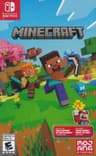
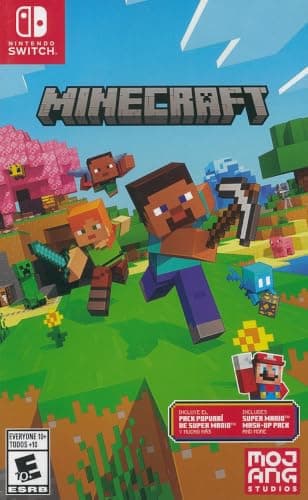
Two versions of the same game are not always the same game. Minecraft is the classic: Bedrock (console, mobile, and the Windows version) crossplays; Java does not crossplay with it. Terraria crossplays only across platforms running the same version, so a console that has not updated is a separate world.
Update everything before a session. A pending patch on one machine is a very common reason a party that worked last week does not work tonight.
5. Check the parental and privacy settings
On Microsoft and Nintendo accounts especially, child and teen profiles often block cross-network play and communication with people outside the platform by default. The game shows no useful error - the friend simply never appears. If one person in your group is on a family-managed account, that is the first place to look.