The trick most groups miss: let the strong PC run the game
If one person in the group has a capable machine, the weak laptop may not need to run the game at all. Steam's Remote Play Together streams a local multiplayer game from the host to everyone else - Valve's own description is "Instantly share your Steam local multi-player games with friends over the internet, for free", with "up to four players - or even more with fast connections".
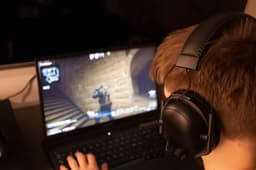
The host owns the game and does all the work; the guests are effectively receiving video and sending back controller input, so the demanding part never touches the weak machine. For a friend whose laptop cannot run a game but can happily play a video, this is the single best answer on this page - and it costs nothing extra, because only the host needs to own the game.
Two honest limits. It only applies to games with local or couch multiplayer, not online-only ones, and it wants a decent connection at both ends - a stream over a weak wifi signal will feel worse than a low frame rate. Our one copy, two players guide covers the setup alongside the other official ways to share a purchase, and the Steam page lists the titles that benefit most.
Settings that actually buy you a playable game
When the game does have to run locally, a handful of changes do most of the work and the rest is noise:
Drop the resolution before you drop anything else. Rendering fewer pixels is the biggest single lever on a weak graphics chip, and on a small laptop screen the cost to how it looks is smaller than people expect.
Turn shadows and effects down first, textures last. Shadows, reflections, ambient occlusion, and anti-aliasing are usually where the frames go. Texture quality leans on memory rather than raw power, so it often survives a cut.
Cap the frame rate rather than chasing it. A steady 30 feels far better in a co-op session than something that swings between 20 and 60, and on a laptop it also keeps the fans - and the thermal throttling - under control.
Close the browser. Genuinely. A stack of tabs and a Discord call are competing for the same memory, and on a machine that is already short of it, that is often the difference. Voice chat on a phone instead of the laptop is a free upgrade - our Discord guide covers getting the call running separately from the game.
Plug it in. Most laptops throttle hard on battery. It is the least interesting item on this list and one of the most effective.
The picks, and who each one is for
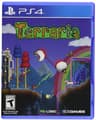
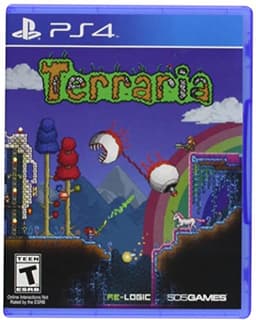
Terraria is the recommendation if you only read one line. Eight-player co-op, hundreds of hours, cheap, and 2D - so the hardware question effectively disappears. It is dense for newcomers, so a friend who already knows it should lead the first evening.
Among Us costs nothing on mobile, scales from four to fifteen, and runs on anything with a screen. For a mixed group where one person is on a phone and another is on a struggling laptop, it is the most inclusive game there is - see free mobile picks for the rest of that category.
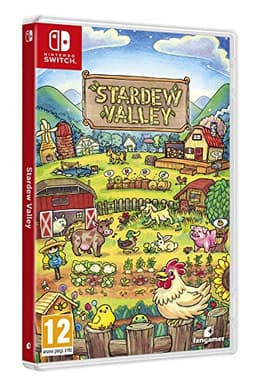
Stardew Valley is the low-pressure choice: four people sharing one farm, no combat required, 2D throughout. The catch is real though - multiplayer is same-platform only, so this one is for a group that is entirely on PC.
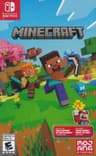
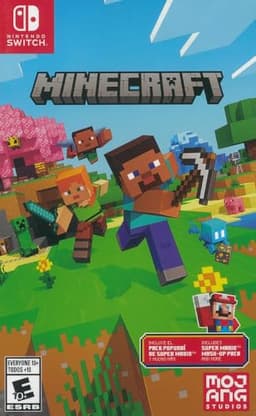
Minecraft is the flexible one. It runs on phones and every console, so it is a safe bet on modest hardware, and lowering the render distance is the one setting that matters most on a weak machine. For a mixed group, the Bedrock version is the one with crossplay - Java Edition is PC-only and does not connect to it.
Portal 2 is the best value on this page and the best pure co-op campaign on it. Two players, a complete story, split-screen or online, from an era when the hardware bar was much lower. Same-platform co-op only, and strictly two people.
Human: Fall Flat is the party option - up to eight, crossplay, low-poly by design, and often a couple of dollars. Nobody has to be good at it, which is the point.
Rocket League is free, full crossplay, and shipped on Switch, so it scales down further than most people assume. Five-minute matches make it the easiest thing on this list to fit into an evening.
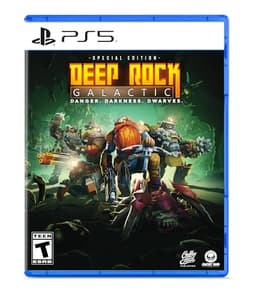
Deep Rock Galactic is the most demanding pick here and we are flagging that rather than burying it. The low-poly caves keep it far lighter than a modern shooter, but it is still a 3D game with destructible terrain - so treat it as the stretch goal, and check the store page before your friend buys.
If the machine really cannot manage a game at all
There is a floor below which no settings change helps, and there are still ways to keep that person in the group. Browser games need no install and no graphics card at all - our no-download page is built for exactly this. Phone-based party games are better still, because the host owns everything and everyone else joins from the device already in their pocket, which is the shape of most of our game night guide.
And if the group is willing to look beyond PC, a console is often the cheaper fix than a new laptop for someone who only plays with friends - the picks for each are on our PS5 and Switch pages, and the crossplay hub covers keeping a mixed-hardware group together.
What this changes about how the group picks
The habit worth building is small: ask what everyone is playing on beforethe group settles on a game, not after someone has spent money. Most bad multiplayer evenings are not a bad game, they are a game one person's machine could never have run, chosen by four people who never asked.
The full PC list, including the games that do want real hardware, is on our PC page, and if budget is the constraint as well as the hardware, the cheap games guide and free vs paid breakdown pick up from here.
Worth knowing if your group is on modest hardware: the entire friendslop genre is built to run on almost anything, which is a large part of why it took off. PEAK is the clearest example - a four-player game made in a one-month jam, with modest Steam minimums and no need for a current graphics card. Our PEAK review covers what it needs and the one thing it cannot do, which is run on a console.