The buying order matters more than the individual purchases
Most beginner setup guides are a list of categories - monitor, headset, keyboard, mouse, chair, desk - with a recommendation in each, which quietly assumes you are buying all of them at once. Almost nobody does. The useful question is not "what is the best beginner gaming setup" but "what do I buy first, and what can wait", and the answer depends on one thing: whether you play with other people.
This site is about playing with friends, so that is the assumption here, and it changes the order completely from a solo-player guide.
First: something that makes you audible
The single biggest difference between a good group session and a frustrating one is whether everybody can hear each other. Not resolution, not frame rate - communication. A group that cannot coordinate loses to the game and stops playing together; a group that can will happily play something that looks a decade old.
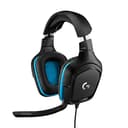
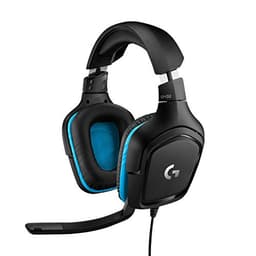
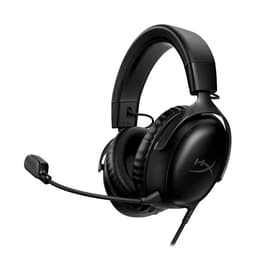
That makes a headset with a usable microphone the first purchase, and conveniently it is also the cheapest item here. A wired one is the right call at this stage: nothing to pair, no battery to die mid-session, and the money goes into the microphone rather than the radio. If you already own headphones that are comfortable, a standalone microphone is an alternative - but for one purchase covering both jobs, a headset wins.
Second: a controller, if anyone else will ever play
The second purchase depends on your situation, and there is a clean split.
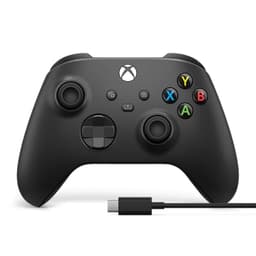
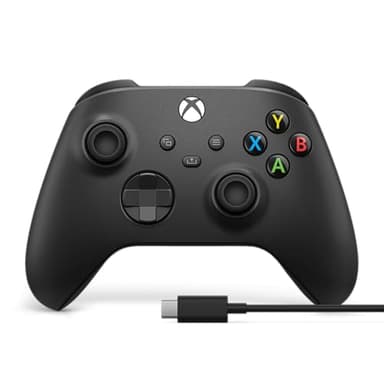
If people will play in the same room as you, a controller - or a second one if the machine came with one - is the highest-value thing you can buy. Local split-screen runs from one copy of the game, so a single pad converts a shelf of games into two-player games. Our second controller guide covers which one for which machine.
If everyone plays remotely, skip it for now. A controller is a comfort purchase for a solo PC player, not a requirement, and plenty of the best games to play with friends online are keyboard and mouse games anyway.
Third: the screen, and only what you need of it
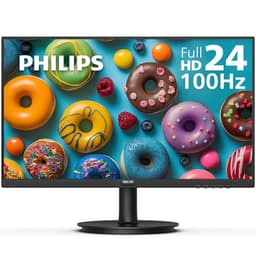
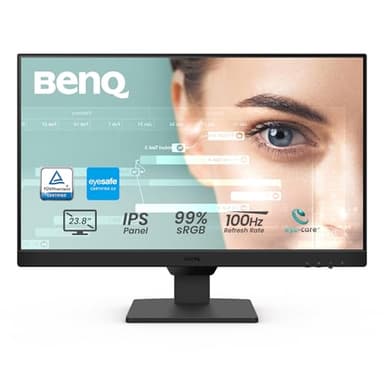
Monitors are where beginner budgets get destroyed, because it is the component with the most marketing attached. Two things are worth knowing before you spend.
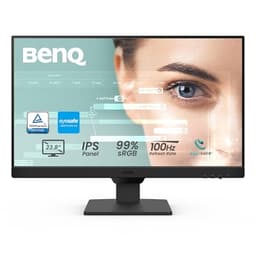
A high refresh rate only helps if the machine can produce the frames. A 165Hz monitor attached to a PC producing 50 frames a second is a 50 frames a second experience. If the computer is modest, the monitor is not the upgrade - and our low-end PC guide covers what plays well on one, which is a great deal more than people assume.
A second screen is a later purchase, not a first one. It is genuinely useful for group play - somewhere to keep voice chat and guides - but it is an optimization of a setup that already works, not part of getting started. When you get there, do you need a second monitor and what two screens actually do are the pages for it.
What to skip at the start
The chair, the desk and the RGB.None of them affect whether you can play with your friends tonight. A good chair matters for long sessions and is worth buying eventually, but it is not a gaming purchase and a "gaming chair" is usually a worse office chair at a higher price.
A mechanical keyboard and a high-end mouse. Real improvements, entirely invisible at the beginner stage, and the sort of thing to buy when you know which games you actually play enough to care about.
A capture card or streaming gear. Buy these when you are streaming, not in case you might.