Two screens will not split your game across both. Here is what they do instead.
The expectation people arrive with is that a second monitor widens the game - that the picture stretches across both panels and you see more of the world. That is a real feature, it has a name, and it is much rarer and much fussier than it sounds. For the overwhelming majority of people asking this question, the honest answer is that the second screen is not for the game at all.
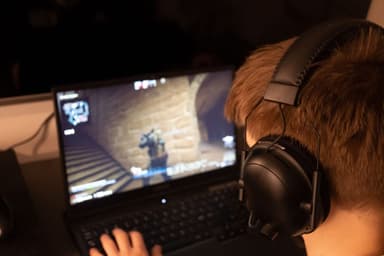
What it is for is everything you currently have covering the game. The Discord window with the four people you are playing with. The wiki page for the boss you keep dying to. The stream chat. The guide. Right now those live on top of your game, and every time you check one you are alt-tabbing out of a session other people are waiting in. A second screen is where those go, and framed that way it is one of the better upgrades available to somebody who mostly plays with friends.
The rare case: actually spanning a game across two monitors
This does exist. NVIDIA calls it Surround and AMD calls it Eyefinity, and both work the same way - they combine several physical displays into one logical display, so the game sees a single very wide screen. NVIDIA's own description is combining "up to five displays to create the most immersive gaming environment possible". Three conditions have to hold before it is worth planning around:
The monitors have to match.A Surround or Eyefinity group wants the same resolution and refresh rate across every panel in it. Mismatched screens work perfectly well in ordinary extended-desktop mode, but in a spanning group an Eyefinity setup falls back to the lowest common resolution across the displays, which means your better monitor is being driven at your worse monitor's specification. This is the condition that eliminates most people, because most second monitors are the old one that got demoted.
The game has to support the resulting aspect ratio. You are handing the game a display far wider than anything it was designed for. Racing simulators, flight simulators and a number of immersive single-player titles handle this properly because their audiences demanded it. Competitive shooters and most co-op games do not, and some will simply stretch the image or put the interface somewhere unusable.
The bezels sit in the middle of your view. With two screens, the join between the panels lands dead center - which is exactly where you are looking. This is why serious multi-monitor spanning setups use three screens, not two. Two-monitor spanning puts a plastic strip through the middle of your crosshair.
Put together: if you fly or race in simulators and are prepared to buy matching panels, spanning is a genuine reason to build this. For a group multiplayer audience - which is who this site is for - it is almost never the reason.
The useful case: one screen for the game, one for the people
This is what the setup is really for, and it maps directly onto how this site says to play. Voice chat is the backbone of every long-distance session we recommend - our guide to playing over Discord is built on it - and voice chat is a window that wants to be visible. Party lists, who is talking, someone sharing their screen, the text channel where the plan is: all of that is second-screen content.
The same applies to anything you read while playing. A co-op game with real systems - a crafting tree, a build guide, a map - generates constant lookups, and on a single monitor every lookup is a pause. On two, it is a glance.
What that means for what you buy
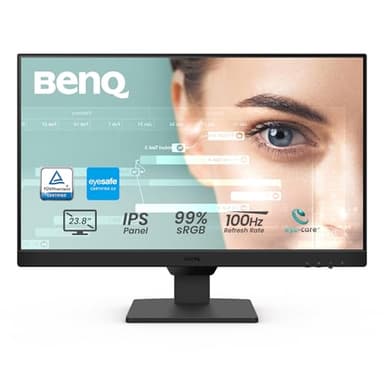
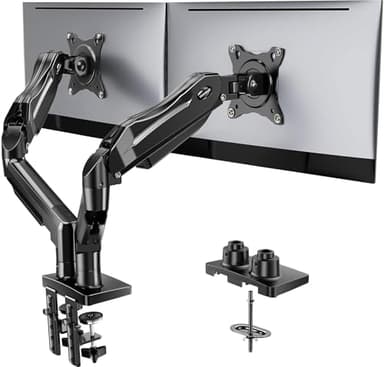
It changes the shopping list completely, and mostly in your favor. A screen whose job is to hold a chat window and a browser tab does not need a high refresh rate, does not need a fast response time, and does not need to be large. What it does need is to be readable at an angle, because a second monitor is by definition the one you look at sideways - which is an argument for an IPS panel over a cheaper VA one, and just about the only specification worth paying for here.
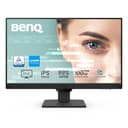
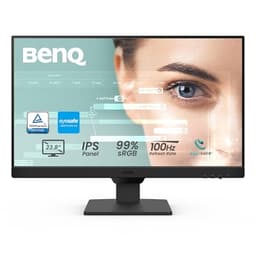
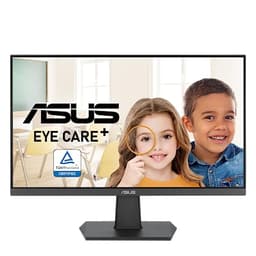
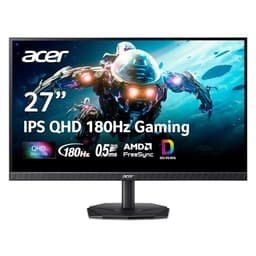
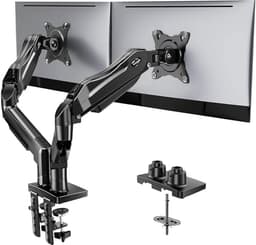
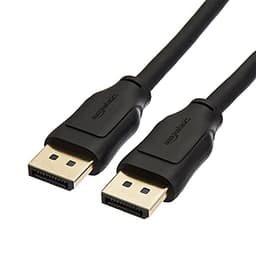
That is why the picks below start with a well-connected 24 inch IPS panel rather than anything expensive. The exception is the 27 inch 1440p option, which is there for one specific plan: buying two identical screens because you do want to try spanning later, or upgrading your main monitor and demoting the current one to second-screen duty. If you already own a monitor you are happy with, that is the cheaper version of this whole project - and if you are wondering whether your existing screen can pair with something different, that is its own question, answered on can you use two different monitors together.