Three line items, and only one of them is the monitor
The reason budget dual-monitor builds go over budget is that people price the screen and forget the other two things. A realistic cheap setup is a panel, a way to mount or place it, and a cable that fits the port you actually have free. Miss the third and the monitor sits in its box until a second delivery arrives.
Here is the honest order to spend in, cheapest useful version first.
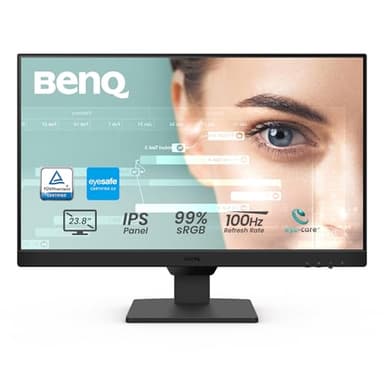
Line item 1: the panel
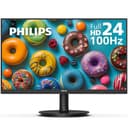
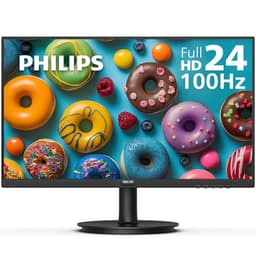
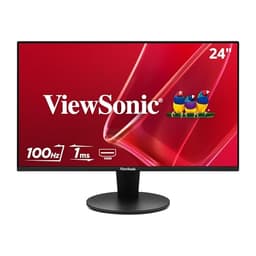
The good news is that a secondary screen is the easiest monitor to buy cheaply, because the expensive specifications do not matter for it. It is going to hold a voice chat window, a browser tab and maybe a guide. It does not need a high refresh rate, a fast response time, or size. At the bottom of the market you are choosing between a VA panel that saves real money and an IPS panel that holds color when you look at it from an angle - and since a second monitor is by definition angled, that is the one place the extra spend is defensible.
The rule that saves the most money: if you were going to upgrade your main monitor anyway, do that instead and demote the old one. Buying one good screen and moving your current display to the side is cheaper than buying a new second screen and gets you a better primary. Mixed panels work fine for this - two different monitors together covers exactly what does and does not break.
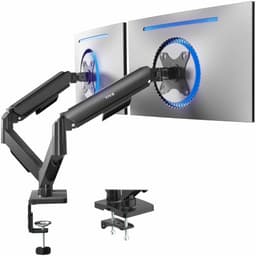
Line item 2: holding it up
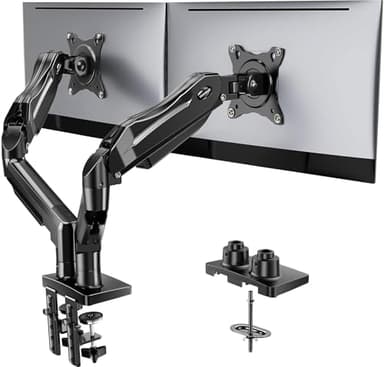
Every monitor comes with a stand, so strictly this is free. Two reasons people end up buying an arm anyway, and it is worth knowing which applies to you before you decide it is optional.
Desk space. Two stock stands take a lot of the surface immediately in front of you. On a small desk, that is the difference between a workable setup and one where the keyboard has nowhere to go.
Angle. Stock stands mostly do not let you angle a screen inward properly or push the two panels close together, so you end up looking at the second monitor further off-axis than you need to - which is where cheap panels look worst.
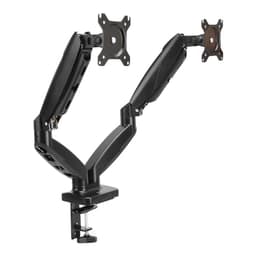
If neither is a problem for you, skip it. The stands are already paid for. If one is, the budget arms below are the relevant tier, and what to check before buying an arm explains the per-arm weight rating and the desk-thickness trap that catch people out.
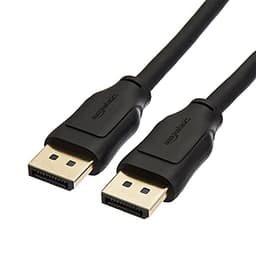
Line item 3: the cable
The forgotten one. Monitors ship with a single cable, usually HDMI, and a second monitor frequently needs to go into a DisplayPort output because the HDMI port is already taken by the first one. A cable is the cheapest thing on this page by a wide margin and the single most likely reason your new setup does not work on day one. Check the back of your graphics card first, then buy the cable that matches what is physically free.
Where cutting cost stops being worth it
Two places, and both are worth the small premium.
Below the panels listed here, refresh rates drop back to 60Hz. That is not a gaming concern on a second screen, but it is a visible one when you drag a window or scroll, and the saving at that point is small enough that it is not worth the downgrade.
The cheapest arms are not gas spring. They are friction-joint arms you loosen and re-tighten to adjust. That is genuinely fine if the screens go into place once and stay, and it is the value pick for large panels - but if you expect to move things around, paying up for a gas spring is the difference between a five-second adjustment and a small job with an Allen key.