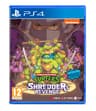
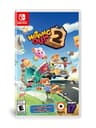
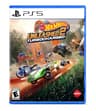
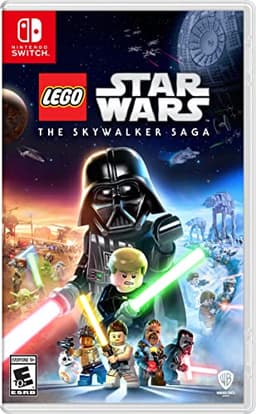
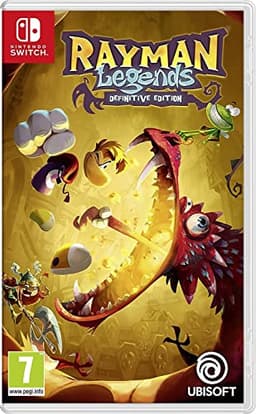
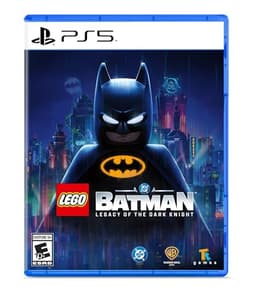
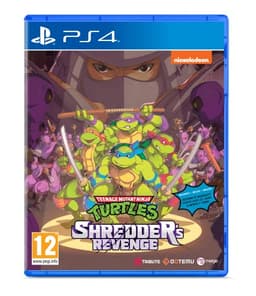
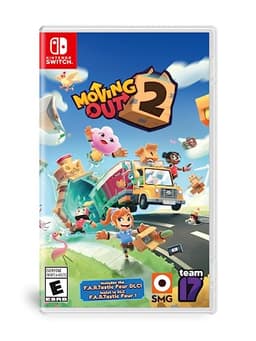
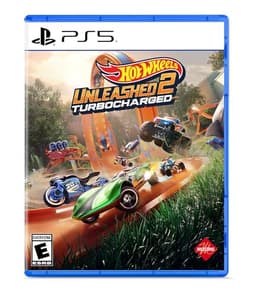
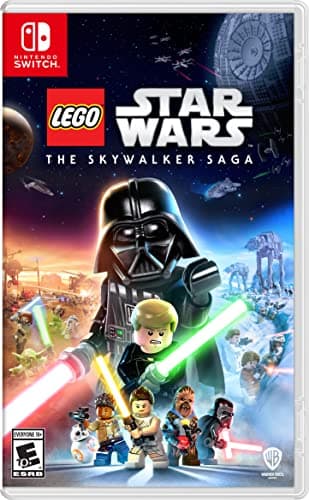
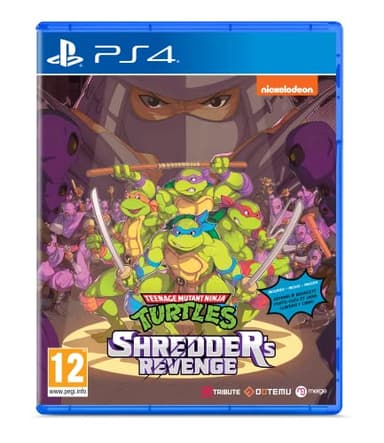
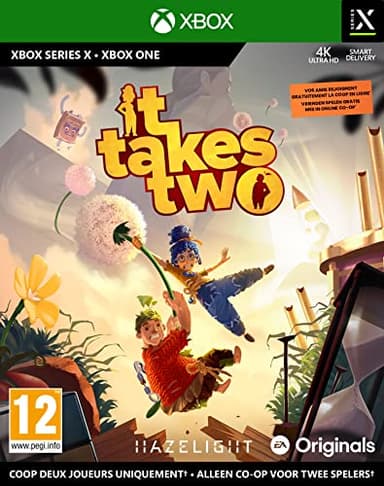
If you are both on PC, use Steam Remote Play Together - it is free, the friend does not need to own the game, and it works on games with no online mode at all
The verdict first: a couch co-op game can be played with a friend in another city, and on PC the tool for it is built into Steam and costs nothing. Valve's own page describes Remote Play Together as a way to “play local multiplayer games with Steam Friends online, even when the game doesn't natively support online play”, with “one player owns and runs the game” and “up to four players - or even more with fast connections - can quickly join in the fun”. That is the whole pitch, and for a LEGO game or a Rayman or a beat-em-up it is the difference between the disc sitting on a shelf and a Tuesday evening.
On a PS5 the equivalent is Share Play, and it is a meaningfully smaller feature: Sony's support page says a session “lasts for one hour and automatically ends one hour after the visitor joins”, that you can use it “with only one visitor at a time”, and that for the mode where you actually play together “both the host and visitor need to be PlayStation Plus members”. It is a demo-length tool, not an evening. On Xbox there is no comparable first-party feature to point you at, so an Xbox household ends up either buying a game that has a real online mode or moving the whole plan to PC.
Read this first: which of the three tools you need is decided by hardware, not preference
Steam Remote Play Together - two or more PCs.Free, built into the Steam client, and the only one of the three with no time limit stated on its own page. The host launches the game and invites a Steam friend; the friend's machine shows a video stream of the host's game and sends their controller input back. Valve states it as “cross-platform play, even when the game doesn't natively support mobile devices or the other players' operating systems”, and says a friend can join from a phone or tablet through the Steam Chat and Steam Link apps while “on the go”. The one hard exclusion Valve publishes: “Remote Play Together is not supported for VR.”
PS5 Share Play - two PlayStation consoles, one hour at a time.Both people need PlayStation Plus for the play-together mode, only one visitor can join, and the clock stops the session after sixty minutes. Sony does say the visitor can “enjoy the game regardless of who owns it”, which is the useful half, and that the visitor is blocked if the game is not sold in their region or if their account is under the game's age rating. Treat it as a way to let a friend try your copy, not as a way to finish a campaign together.
Parsec and the other streaming tools - PC, when Steam is not an option. Games bought outside Steam have no Remote Play Together to use, so the fallback is a general-purpose low-latency desktop stream. It is more setup, it is not endorsed by the game's publisher, and the quality depends entirely on the host's upload speed. We are not going to pretend it is as simple as clicking an invite in Steam, because it is not.
The one thing every version of this has in common: it is a video stream
Nobody is running the game on their own machine. One computer runs it and everyone else is watching a compressed video of it and pressing buttons at the far end. Two consequences follow from that, and they decide whether this works for your group. The first is that the host'supload connection carries the whole session, so a household with weak upload is the bottleneck no matter how good the guest's internet is - the same arithmetic our bad internet guide works through for ordinary online play. The second is input lag: every button press travels to the host and the picture travels back. A LEGO level, a cooking game, a physics puzzle - all fine. A fighting game or anything built on frame-perfect timing is not, and no amount of fiddling fixes it.
Who should ignore all of this and just buy a game with online co-op
If the group is three or four people in three or four cities and you want this to be a regular thing, streaming one host's screen to everybody is the fragile way to do it. Buy something with a real online mode instead - co-op campaign games and the crossplay hub both exist for exactly this group. The picks below are specifically for the other case: a game you already own or want to own that has no online mode, played with one or two people who are not in the room.