Which pick suits which pair
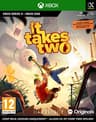
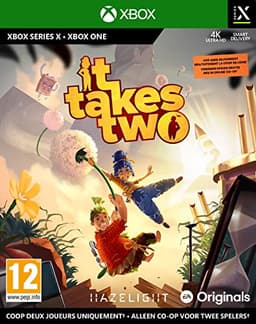
It Takes Twois the answer for most people and it is not close. Every puzzle is built for two players who can see each other's half of the screen, the campaign runs a dozen or so hours, and the Friend's Pass means the second player never has to buy it. If you want one recommendation from this page, take this one - our full reviewcovers what the Friend's Pass does and does not include.
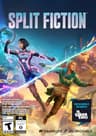
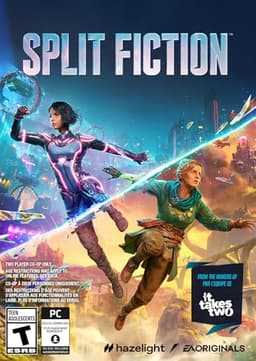
Split Fictionis the same team's newer game and the one to pick if you might later want to play with someone on a console instead, because it adds crossplay that It Takes Two never had. Same split-screen-throughout design, same one-copy deal.
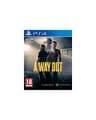
A Way Out is the outlier: a prison-break story told in split-screen even when you play online, so the two halves of the frame are the point rather than a concession. It is also strictly one playthrough - see the review for why we are careful about recommending it to a pair who want value per pound.
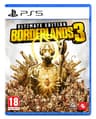
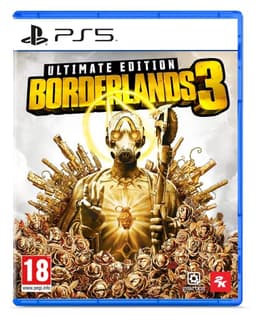
Borderlands 3 is the four-player option, and the one to verify before buying. Split-screen is a headline feature of the console versions; on PC, check the store page and the current patch notes rather than assuming parity. When it works, it is the most game-for-your-money on this list, and the review covers the Ultimate Edition question.
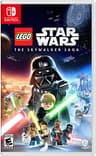
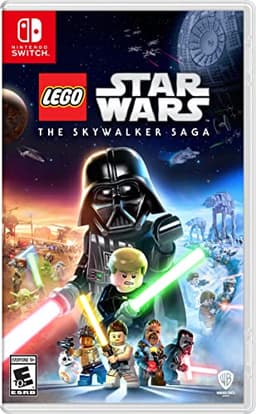
LEGO Star Wars: The Skywalker Saga is the family pick - drop-in, drop-out two-player co-op across nine films, hard to get stuck on, and forgiving of wildly different skill levels. Local only, so both of you need to be in the room.
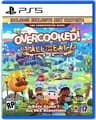
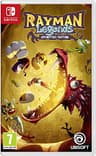
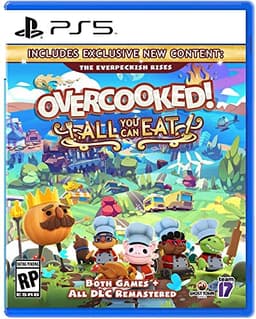
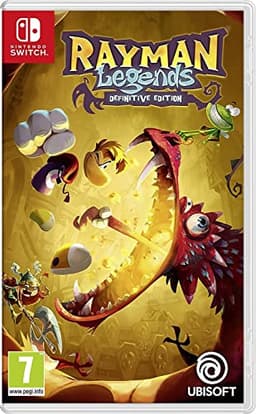
Overcooked! All You Can Eat, Human: Fall Flat and Rayman Legends are the shared-screen trio, and between them they cover almost every group shape a single PC can host. Overcooked is the loudest, Human: Fall Flat is the cheapest and scales furthest, and Rayman is the one that never leaves a weaker player behind for long.
If your PC is the limiting factor
Two people on one machine means one machine doing double the rendering work, and on a modest PC that is where a split-screen evening falls apart. Dropping the resolution helps more than any other setting, and most of the games on this page are deliberately undemanding to begin with. If the hardware is genuinely marginal, our low-end PC guide is built around exactly that problem, and the cheap games guide overlaps heavily with this list.
Split-screen on the other platforms
If part of your group is on a console, the same games are usually a smoother experience there, because split-screen is a first-class feature rather than a port consideration. We keep separate lists for split-screen on PS5 and split-screen on Xbox- the Xbox list is the longest of the three, largely because Minecraft's four-player split-screen is a console-only feature that the PC edition has never had.
And if the second player is not actually in the room, the format you want may not be split-screen at all. Our split-screen and online page covers the games that keep the split when you play apart, and the two-player page is the wider list for a pair on any setup.
If you are weighing platforms rather than games, the Switch handles local play very differently - more games you can play together, fewer that are truly split-screen - and that comparison is laid out on our best split-screen games on Switch page. And if you are wondering why a feature this popular became this rare, the rendering and business reasons are in why games stopped having split-screen.
Three per-game questions come up constantly on PC and each has its own answer. Minecraft's split-screen is a console feature that Java Edition has never had - that is covered at is Minecraft split-screen. Fortnite's local mode is PlayStation and Xbox only, explained at Fortnite split-screen. And if you need four players rather than two, almost none of it happens on a PC - four-player split-screen games is the console-weighted list.
If the second player is not in the room at all, PC has one more answer that no console matches: Steam can stream a local co-op game to a friend and register their pad as player two, so a game with no online mode becomes a two-city game. How to play local co-op games online covers that setup and the titles worth using it with.