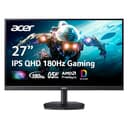
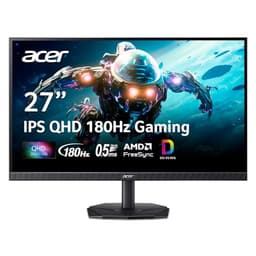
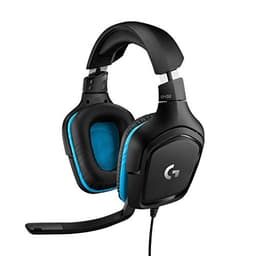
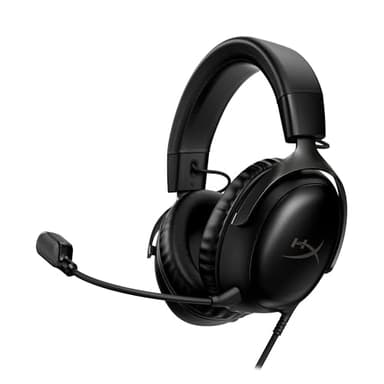
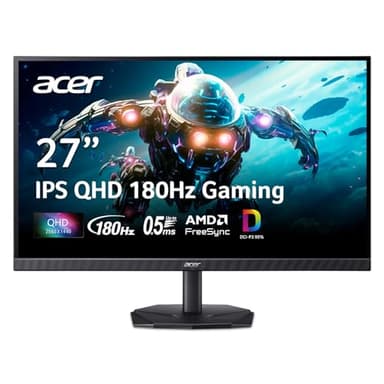
The verdict: the top pick is the Acer Nitro KG271U - 27 inch, 2560x1440, 180Hz, IPS - because a high-refresh monitor is the only purchase on this page that changes what you can actually see, and Fortnite is a game where seeing someone a fraction earlier is the whole contest. It is for a PC player whose graphics card can genuinely feed a high-refresh panel. The budget pick is the Logitech G432, a wired headset and the cheapest item here: for playing Fortnite with friends the microphone matters more than the drivers, and the cheapest fix for being the squadmate nobody can hear costs less than a battle pass. If you are on a console rather than a PC, skip the monitor and start with the headset and a second controller. Prices are live as of November 23, 2026.
What gear can and cannot do in Fortnite
Worth being blunt, because this category is where gaming marketing is at its worst. Hardware cannot aim for you and we are not going to imply that it will. What it can do is remove three specific obstacles, and that is the honest list.
It can show you more frames - if your PC makes them. A 180Hz monitor displays up to 180 images a second instead of the 60 a standard office panel shows. If your graphics card is producing 150 frames a second and your monitor can only show 60, you are discarding most of them. That is a real, mechanical gain, and it is also conditional: on a machine that produces 50 frames a second, a 180Hz panel changes nothing, which is why the second half of our top-pick sentence matters as much as the first. The same point applies to a console - a PS5 or Xbox Series X can output 120Hz in some titles, but nothing on a console benefits from 180.
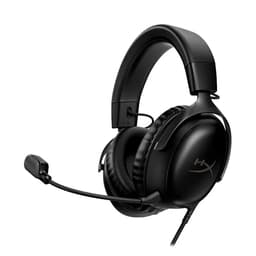
It can let you hear where something is. Fortnite gives away position through sound - footsteps, a ramp being built, a chest. On laptop or television speakers that information is mostly lost. Any closed-back headset recovers it; this is the cheapest meaningful upgrade in the list and the reason the budget pick is a headset rather than a mouse.
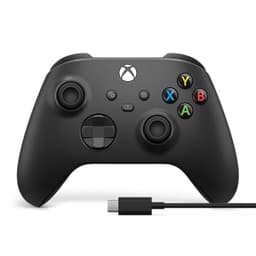
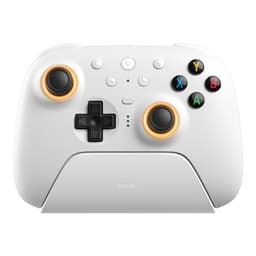
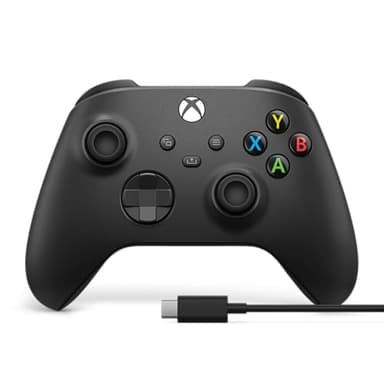
It can let a second person play. Fortnite squads are up to four, it has full crossplay across PS5, Xbox, Switch, PC and phones, and it is free - so the only thing stopping the person next to you from joining is that there is one controller in the house. A second pad is the single purchase that turns a solo game into two people in a squad, which is what this site is about. The wider version of that argument is on our best second controller page.
What we are not putting on this page
Three things, and the reason in each case is that we cannot stand behind the claim. No mice or keyboards - our gear registry does not carry them, and we are not going to add a product we have not sourced in order to fill a slot on a page. No "pro" or "esports" framing - we publish no scores, no test results and no awards, so we have nothing to base a competitive claim on, and neither does any page that claims a specific improvement in your win rate from a cable or a mousepad. And no monitor recommendation above 1440p: a higher resolution asks more of the graphics card and reduces the frame rate, which works against the one thing a high-refresh panel is for.
Buy in this order
If the budget is not open, the sequence matters more than the individual picks.
1. A headset, if you do not have one. Lowest cost, biggest change, and it also fixes voice chat - which in a four-person squad is worth more than any visual upgrade. The G432 is wired, which means no battery to die mid-match.
2. A second controller, if anyone else in the house wants to play. Fortnite is free and seats four, so one pad is the only thing between you and a two-person squad on the sofa. Which pad depends entirely on the machine - see below.
3. A high-refresh monitor, if you are on a PC that can feed it. The biggest outlay and the biggest change, in that order. Check what frame rate your machine actually produces in Fortnite before buying: if it is near 60, spend the money on the PC instead. Our games for a low-end PC page is the honest alternative plan.
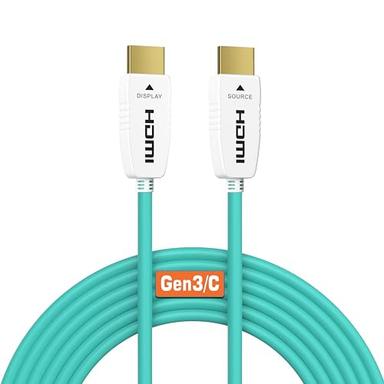
4. A long cable, only if the screen is across the room. Not a performance upgrade at all, but the thing that makes a living-room setup work - and cheap. That is a separate page: best HDMI cable for gaming.