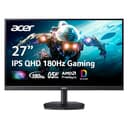
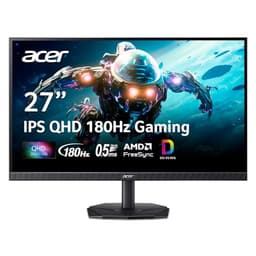
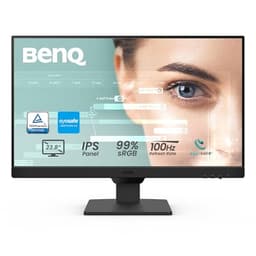
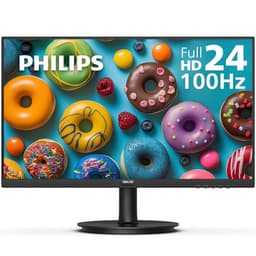
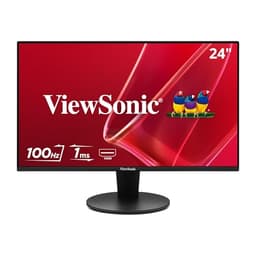
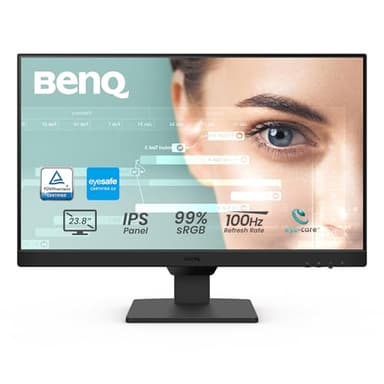
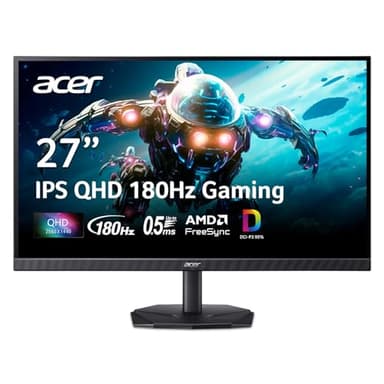
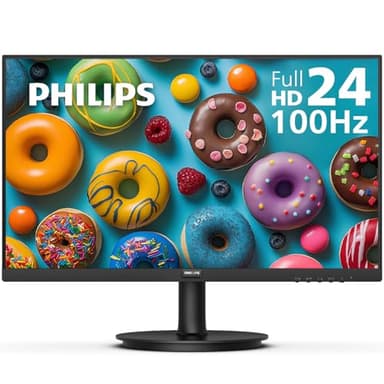
The verdict: at this budget there is one pick that is actually a gaming monitor and three that are good second screens, and confusing the two is how people end up disappointed. The top pick is the Acer Nitro KG271U N3bmiipx - 27 inch, 2560x1440 QHD, 180Hz, IPS on its listing - because nothing else under this line pairs a high refresh rate with a resolution above 1080p. The budget pick is the Philips 241V8LB: 24 inch, 1920x1080, 100Hz, VA panel, VESA mount, flicker-free, and the cheapest screen in our gear list that we would still put on a desk. In between, the BenQ GW2490 is the one to buy if you only want to think about this once - it is the IPS panel with both DisplayPort and HDMI plus speakers you can push chat audio to. Prices are live as of November 27, 2026.
How the $150 line was drawn, and why it will move
This page has no editorial shortlist. Every monitor in our gear list was checked against the live price layer, and the ones that came in under one hundred and fifty dollars are the page. Four qualified. That is the entire selection rule, and it is the reason we can put a number in the headline at all.
It also means the band is temporary, and we would rather say so than pretend otherwise. One of these four sat within a dollar of the hundred mark on the day we checked and two sat under ninety, so a normal week of price movement will reshuffle the order below without changing a word of the advice. Prices on this site come from one layer, stamped with the date it ran, and if that layer stops the numbers disappear rather than going stale - which is also why no figure appears in the prose on this page, only in the live buttons.
One monitor we would have included is missing, and we are saying so
The ASUS VA24EHF2 - 24 inch, 1080p, 120Hz, IPS, HDMI and VGA, VESA on its listing - is the best panel-per-dollar in our gear list and it is not on this page, because it had no buyable offer at all when the price layer last ran. A band page cannot honestly include an item it cannot price. If you find it in stock while shopping, it is a genuine rival to the BenQ for anyone who does not need DisplayPort: IPS at 120Hz for budget-tier money. Its one real catch is on the listing itself - HDMI and VGA only, no DisplayPort - so check what is free on the back of your machine first.
Refresh rate is only worth buying if your machine can feed it
The single most useful thing on this page, and the reason the cheapest pick is not automatically the wrong one. A 180Hz panel does not create frames; it displays the ones your graphics card already produces. If your machine runs the games you play at around sixty frames a second, a 180Hz monitor shows you sixty frames a second on a nicer panel - which is not nothing, but it is not the upgrade the number implies. And the Acer compounds this: 1440p at 180Hz asks considerably more of a graphics card than 1080p did, so on an older card you may end up turning settings down to chase the refresh rate you paid for.
The honest decision tree is short. If your PC already pushes high frame rates and the monitor is the bottleneck, buy the Acer. If the monitor is going to spend its life showing Discord, a wiki and a party chat window next to your main screen, buy the cheapest one with the right ports and spend the difference on something else - whether a second monitor is worth it walks through that case properly, and 24 vs 27 inch covers the size question this page deliberately does not re-argue.
IPS versus VA, in one paragraph
Three of these four listings state the panel type, and it is the specification that matters most on a second screen. IPS holds color when you look at it from an angle; VA shifts more. A second monitor is, by definition, the one you are always looking at sideways - so the BenQ (IPS) and the Acer (IPS) hold up better off-axis than the Philips (VA). The ViewSonic VS2447M's listing is thinner on panel detail than the others, which is worth knowing before you buy it for a specific reason. None of this is measurable by us; it is what the four listings say, and we have not invented a verdict on top of them.
Budget for the cable, because the monitor does not come with the right one
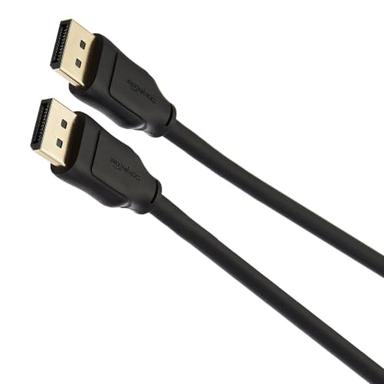
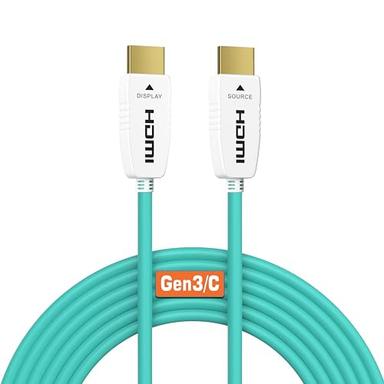
Monitors ship with one cable, usually HDMI, and a second screen frequently has to go into a DisplayPort output because the HDMI ports on the machine are already used. The BenQ's listing carries both DisplayPort and HDMI; the ASUS above is HDMI and VGA only. Check the back of the graphics card before you order, and if the answer is DisplayPort, add the cable to the same order - how to connect two monitors covers which port to use, and the cable itself is on the HDMI cable page, which also explains why an expensive HDMI cable cannot improve a picture.